How to set job alerts and preferences in Tabbio
Set your job preferences (titles, countries, seniority and salary) and turn on job alerts so new roles come to you.
What you'll do
Open Jobs, then your preferences
Choose titles, countries, seniority and salary
Save, and your top picks refresh
Turn on job alerts
Up next
 09Duration 0:24
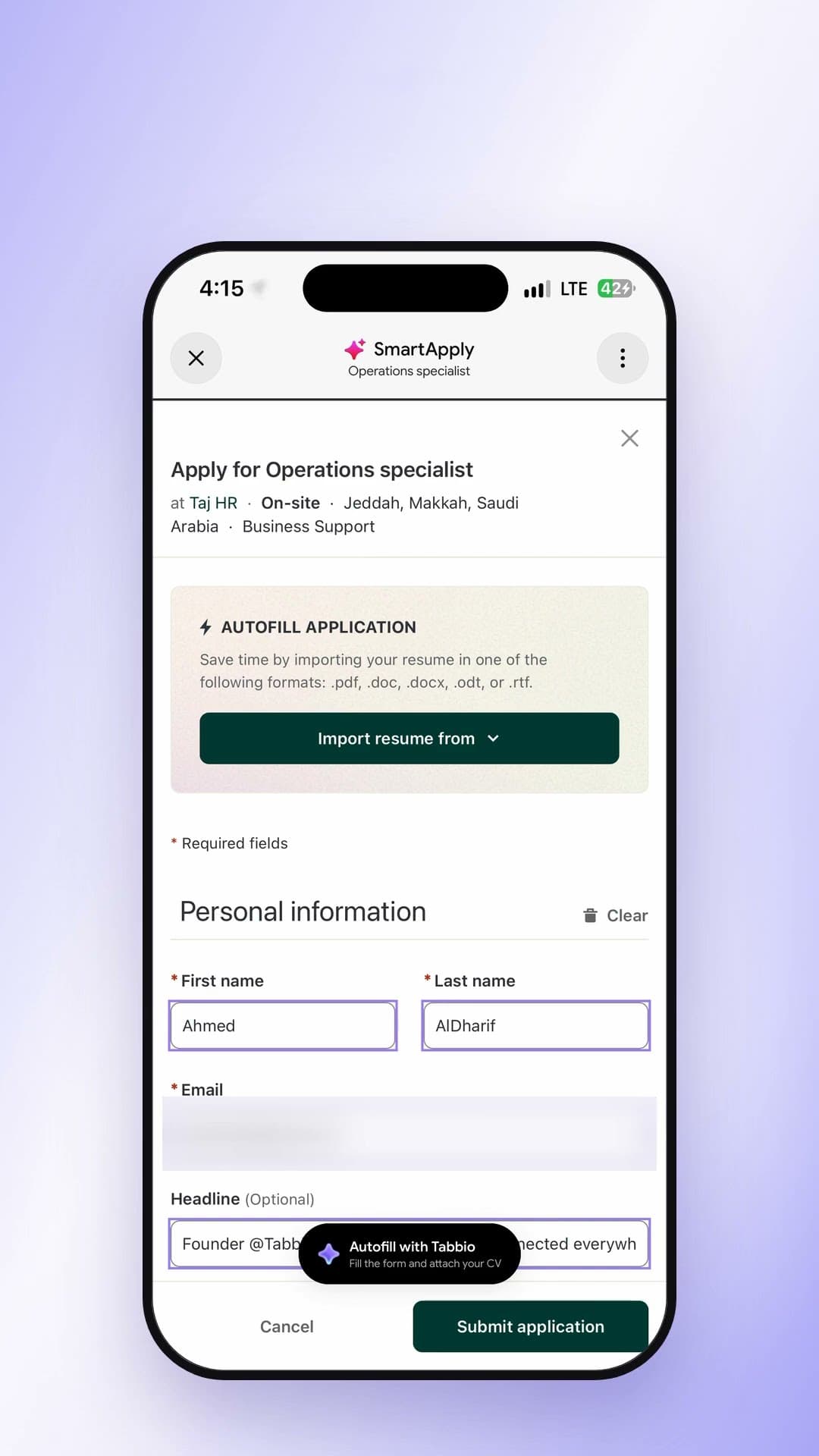
How to auto-fill job applications in Dubai
Watch video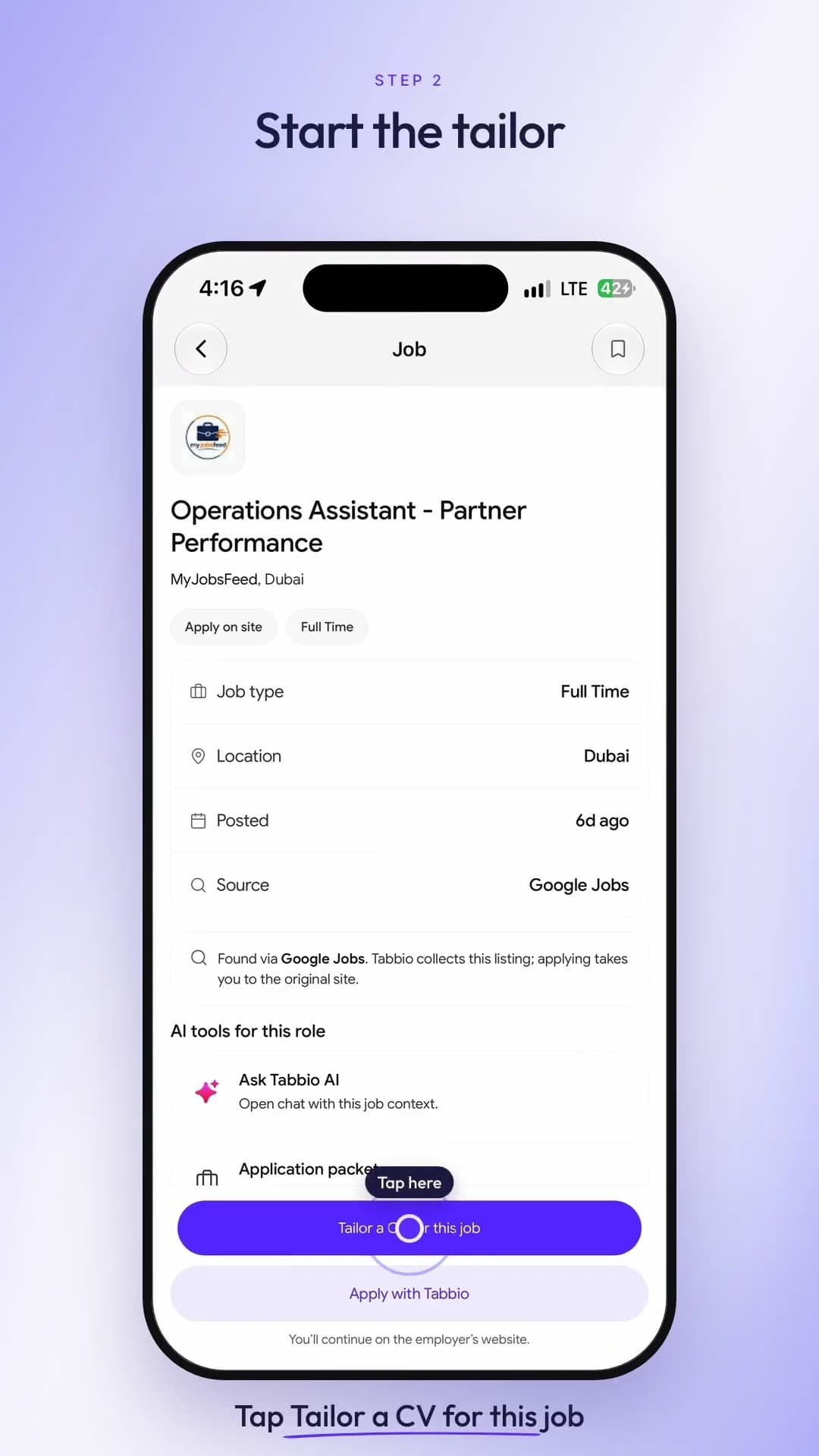 10Duration 0:19
How to tailor your CV to a job description for ATS
Watch video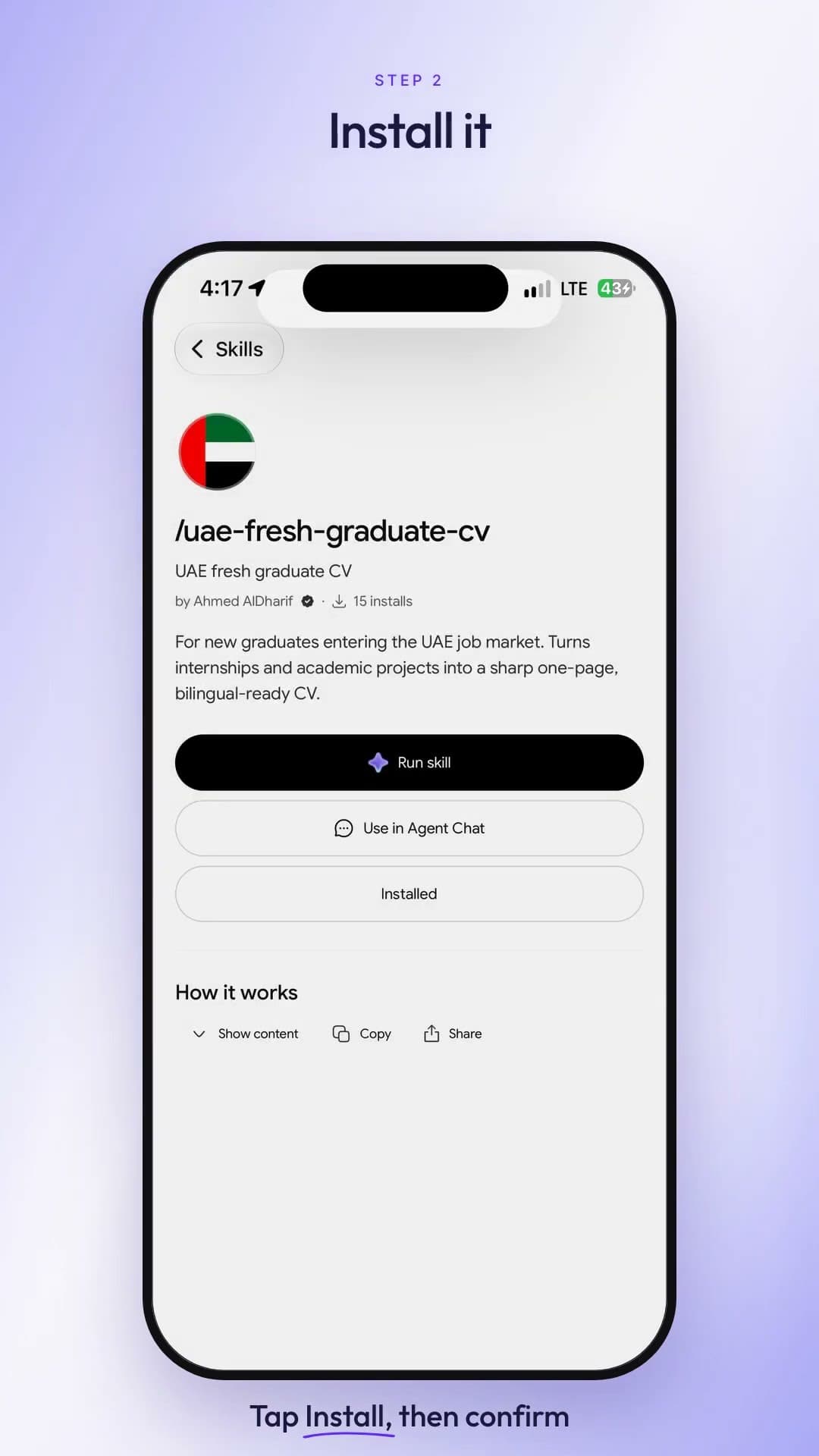 11Duration 0:24
How to format a CV for Dubai and the UAE (2026)
Watch video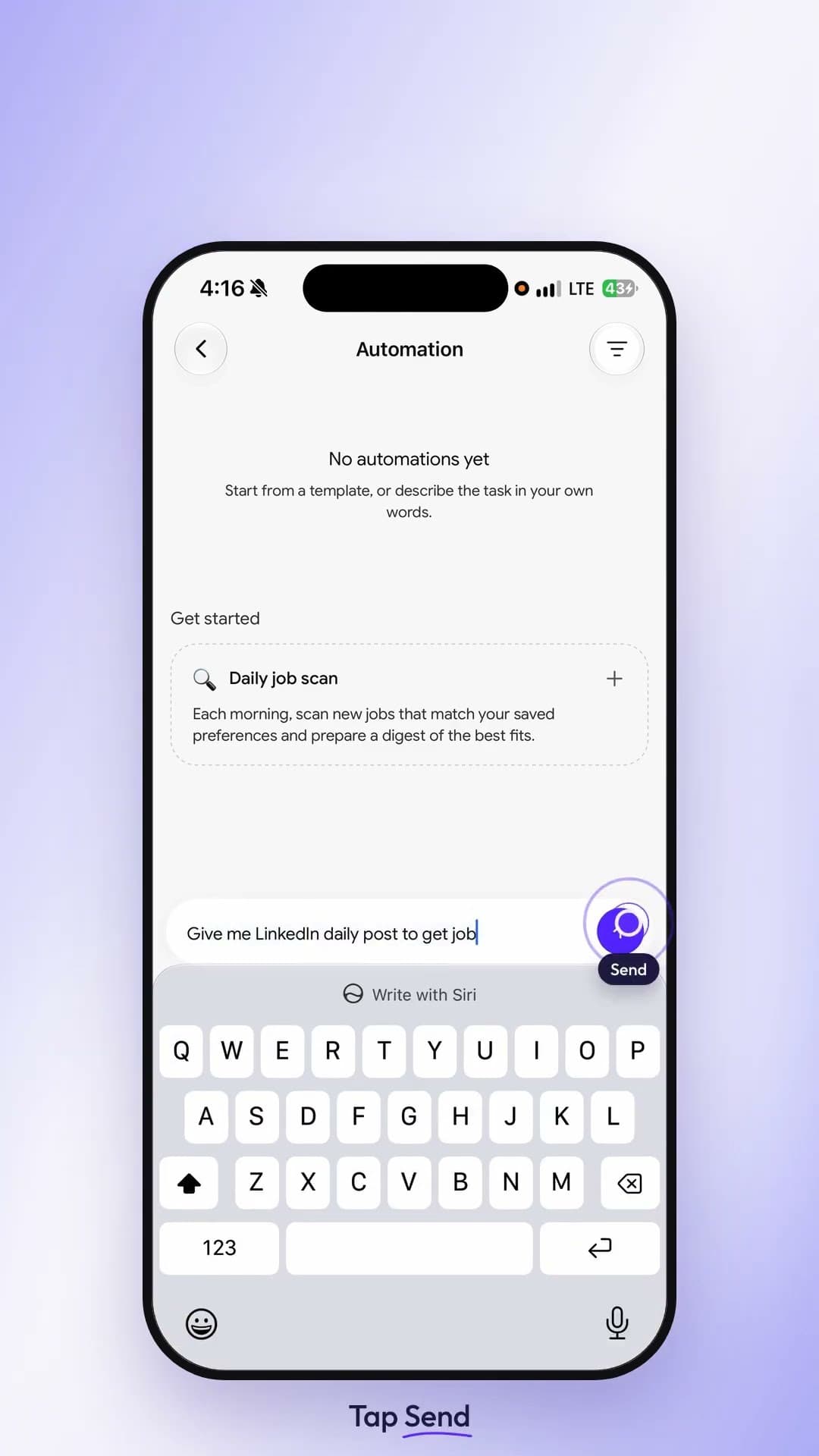 12Duration 0:19
How to automate your daily job search in Tabbio
Watch video 13Duration 0:21
How to write a LinkedIn post with AI in 20 seconds
Watch video