How to change your CV template in Tabbio
Change your CV template and design in seconds: switch between Classic, Executive and Creative, then pick a colour.
What you'll do
Open your CV preview
Open the theme picker
Switch between Classic, Executive and Creative
Pick a colour and tap Done
Up next
 05Duration 0:18
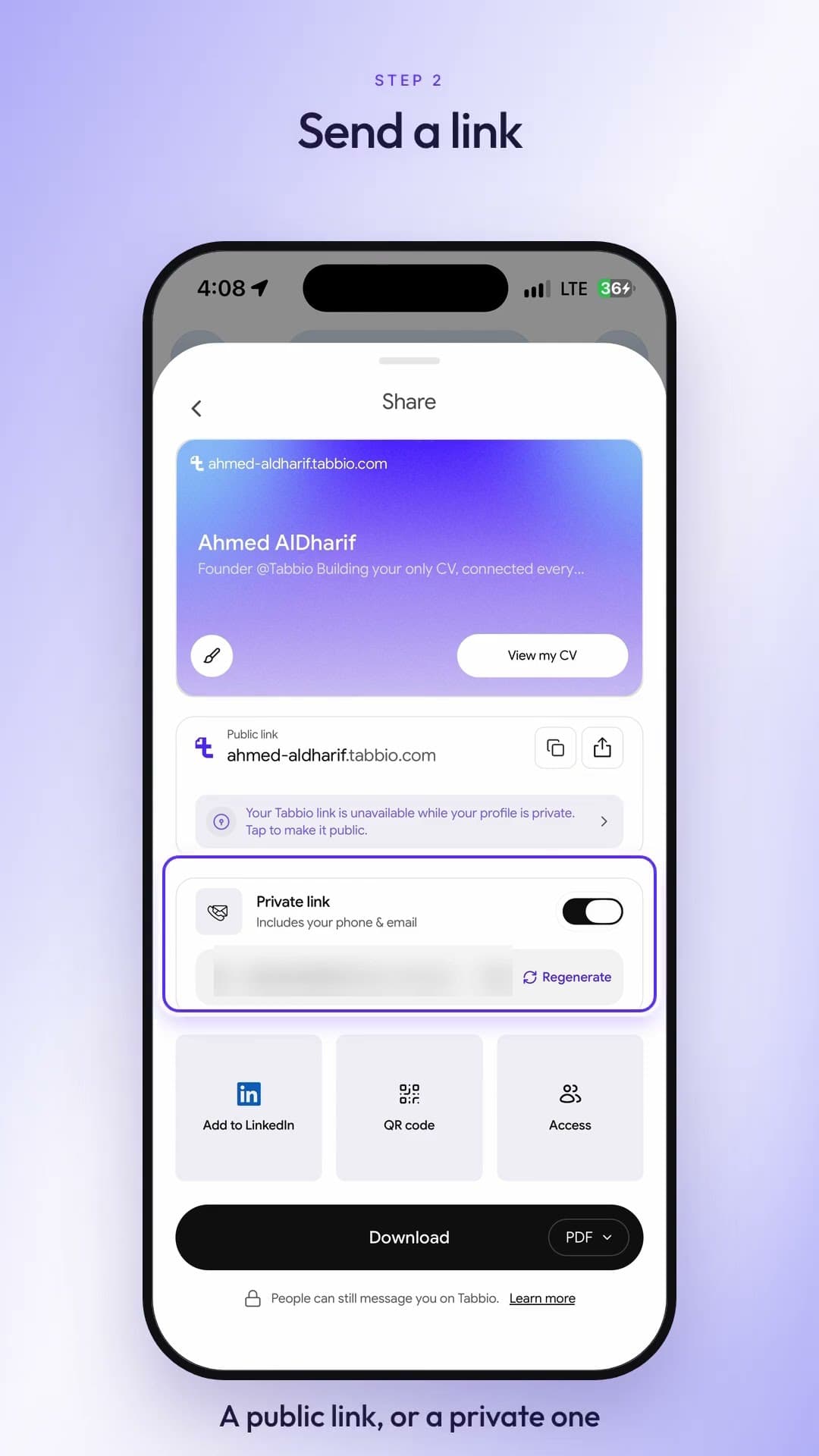
How to share your CV as a link, PDF or QR code
Watch video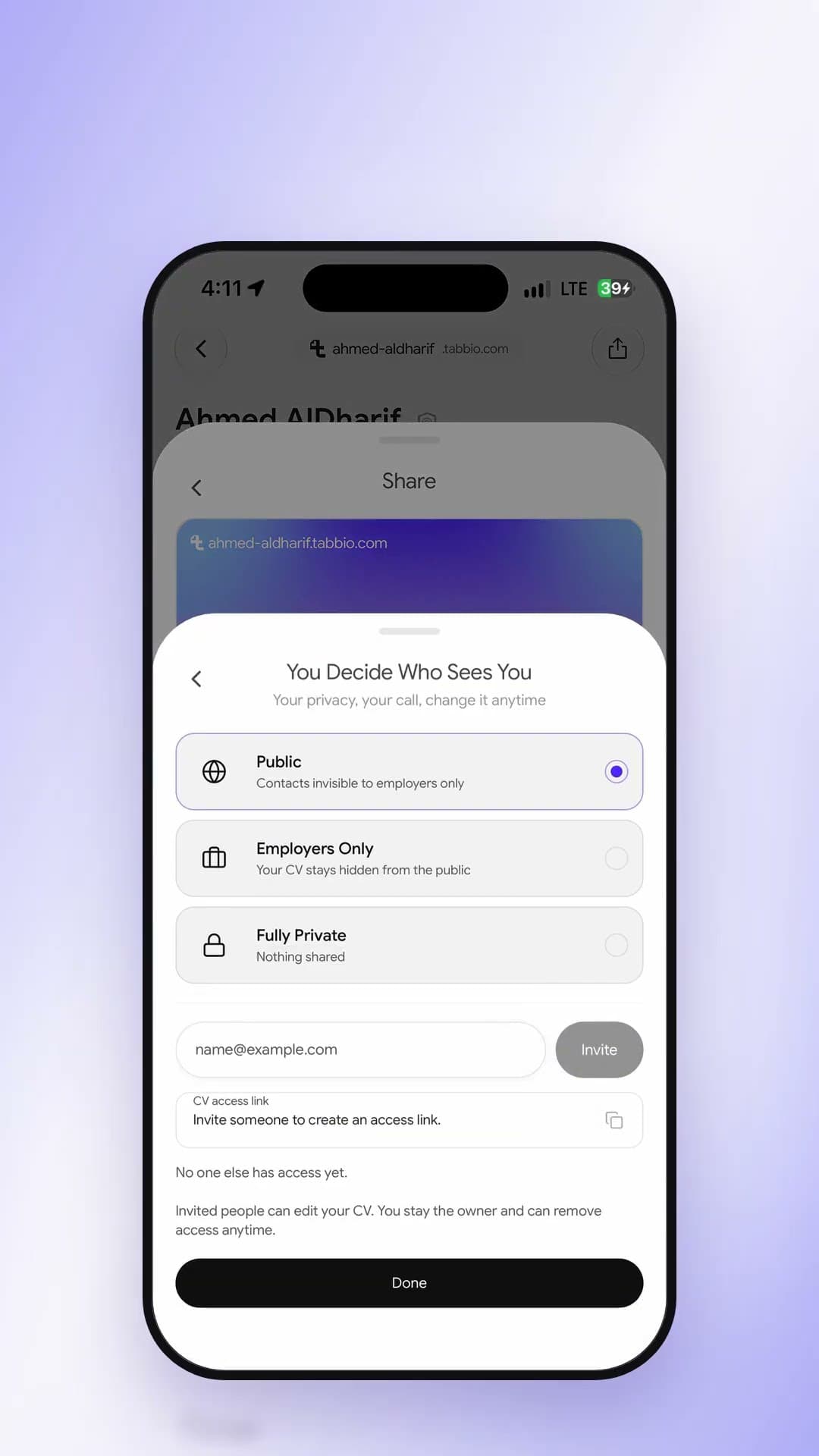 06Duration 0:18
How to keep your CV private or employers-only
Watch video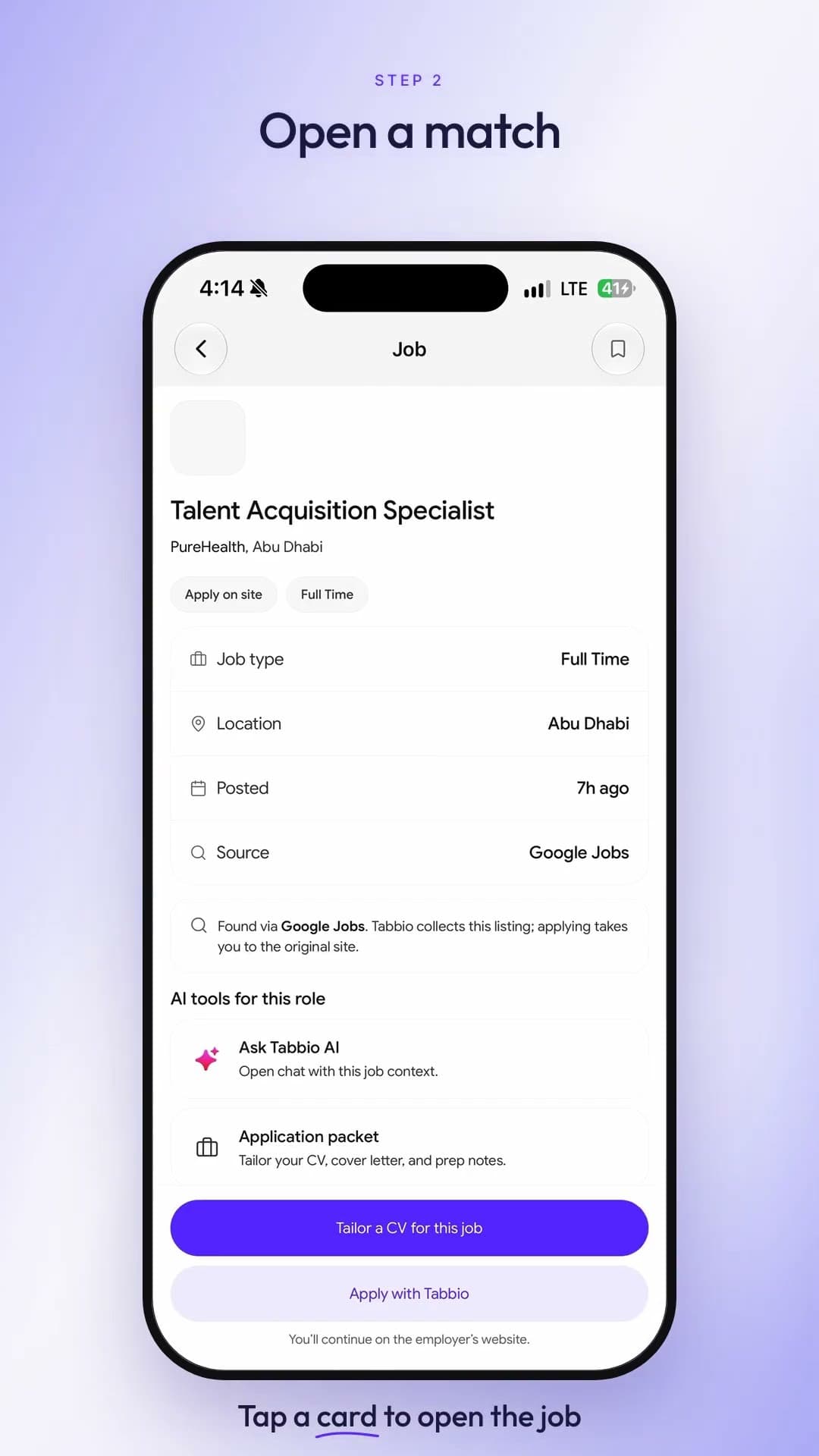 07Duration 0:22
How to find jobs in Dubai and the UAE with AI
Watch video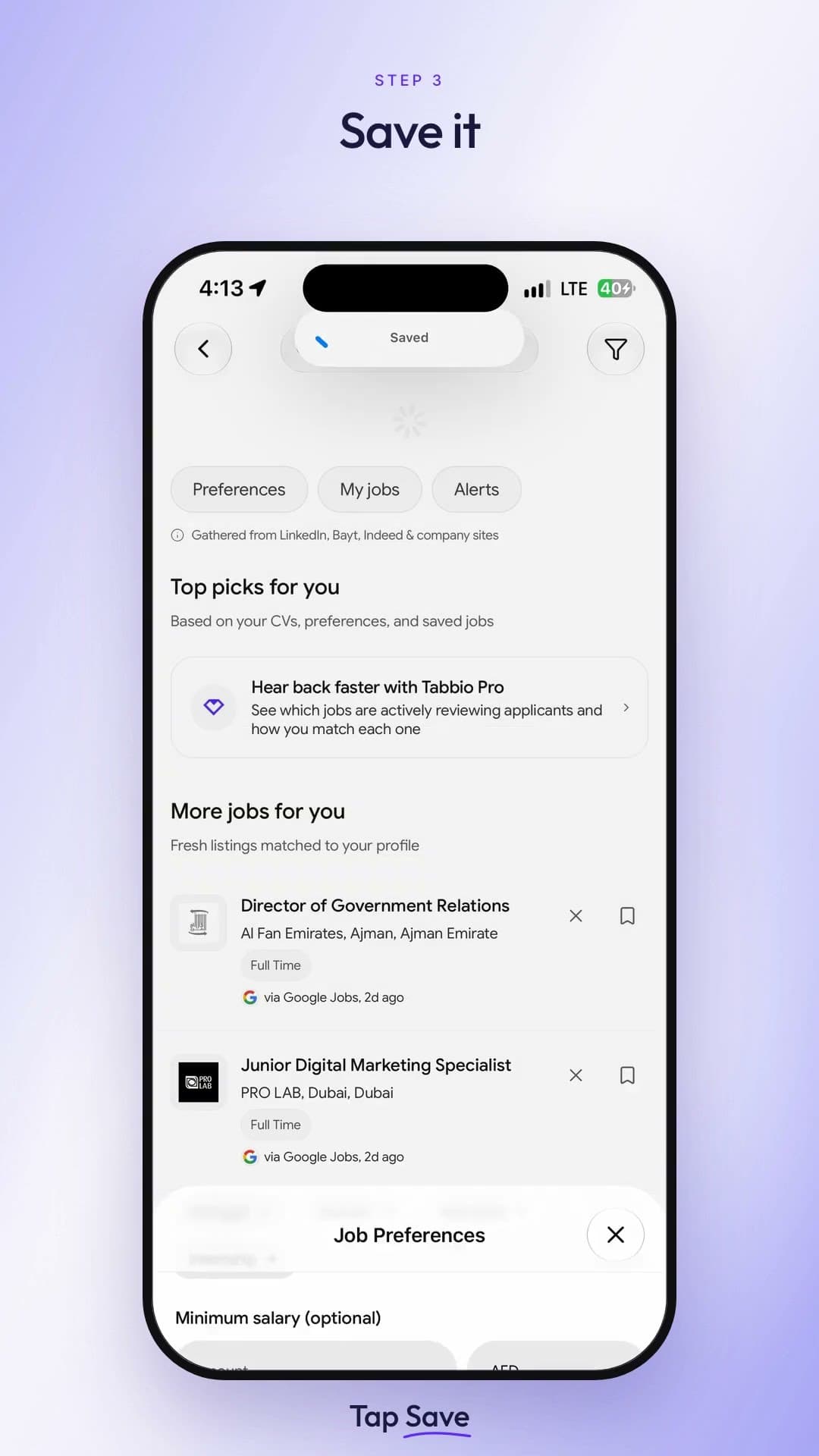 08Duration 0:25
How to set job alerts and preferences in Tabbio
Watch video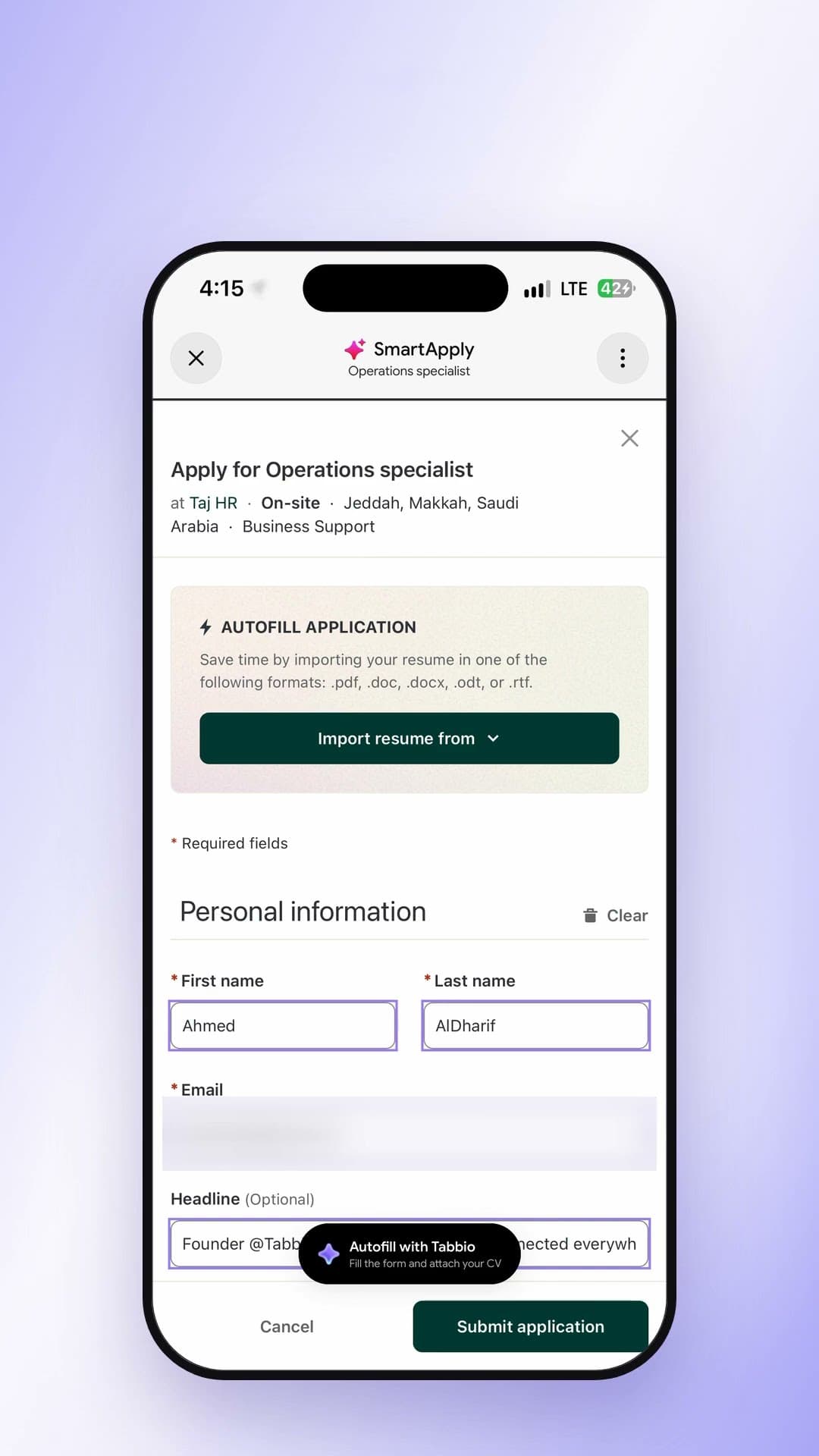 09Duration 0:24
How to auto-fill job applications in Dubai
Watch video